Achicar PDF
A simple Windows app that shrinks scanned PDFs with Ghostscript: drag the file onto the window and it does the rest.
Download
Pick the build that matches your Windows. If you are not sure, try the x64 one first.
How it works
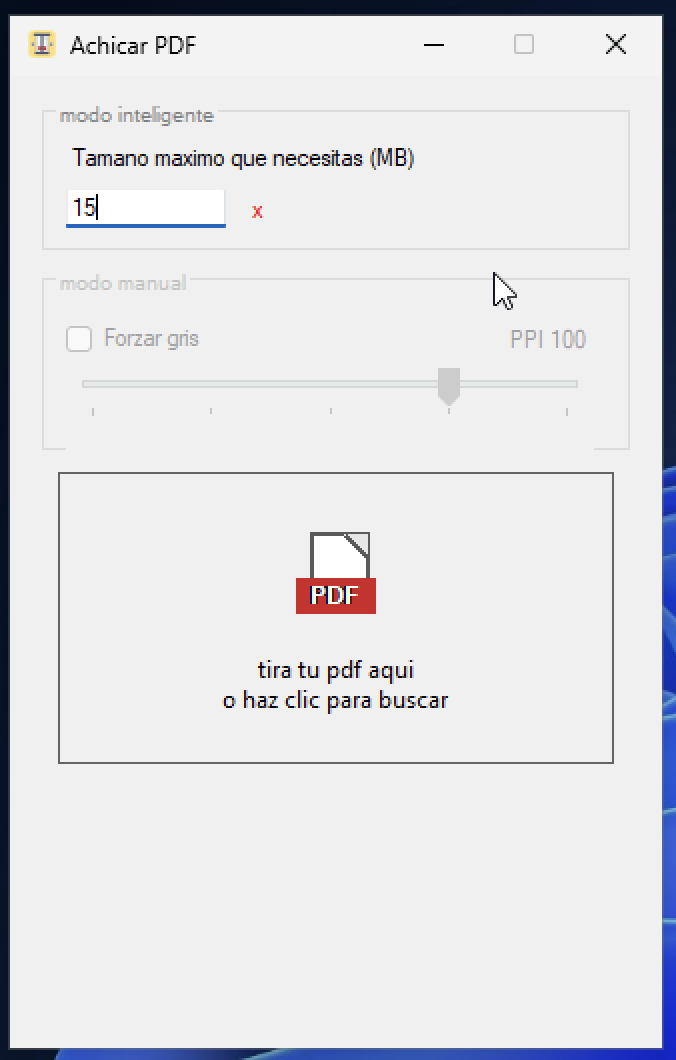
- Drag in one or more PDFs, or a folder, and the result is saved next to the original.
- Smart mode: you set a maximum size in MB and it finds the best quality that fits.
- Manual mode with three options: Pequeño (small), Normal and Más calidad (higher quality), plus an option to remove color.
- From File Explorer: right-click, "Send to → Achicar PDF".
- If Ghostscript is missing, the app downloads the official installer and checks its signature before opening it.
Requirements
Windows 10 or later. The app needs Ghostscript to process the PDFs; you install it once.
Support
Need a hand? Email me or take a look at the project on GitHub.
Privacy
Achicar PDF processes your files locally. See the privacy policy.